
Latest Version
Synology
Communication
Linux
Free
com.synology.SynologyDrive
Report a Problem
More About Synology Drive
Imagine having complete control over your digital footprint without the burden of monthly subscription fees. The Synology Drive private cloud storage ecosystem delivers exactly that experience, translating the convenience of public cloud platforms into a self-hosted environment where you retain absolute ownership of your data.
A Seamless Self-Hosted Storage Experience
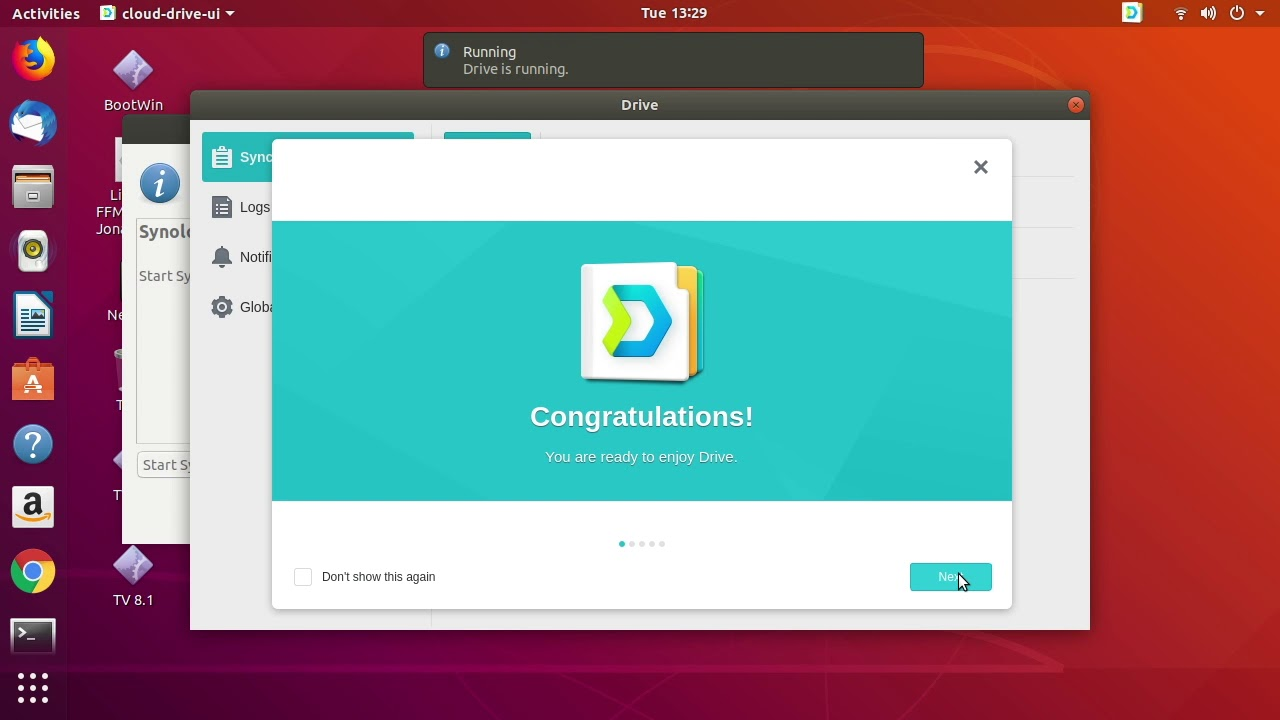
Using the Synology Drive private cloud storage client on Linux feels remarkably intuitive. Once configured, it operates quietly in the background, bridging the gap between your local workstation and your personal NAS hardware. For Linux users, maintaining a system tray extension (such as AppIndicator or TopIcons) is highly recommended, as it provides quick access to sync status, recent file history, and connection settings directly from your desktop panel.
Key Features of Synology Drive for Linux
- 100% Data Ownership: Your files remain on your own hardware, eliminating third-party privacy concerns.
- Zero Subscription Costs: Avoid recurring monthly fees associated with traditional public cloud storage providers.
- Background Synchronization: Keep your local directories perfectly mirrored with your central repository automatically.
- Community-Supported Linux Package: Access this powerful utility on your preferred Linux distribution via a dedicated community-maintained Flatpak.
Who is This Private Cloud Solution For?
This software is an ideal match for privacy-conscious professionals, remote workers, and home laboratory enthusiasts who require robust file synchronization but refuse to compromise on data sovereignty. If you already utilize Synology hardware and run a Linux desktop environment, adopting this client is a natural step toward streamlining your daily workflow.
Important Considerations
It is worth noting that this specific package is a community-supported release rather than an officially maintained client by Synology Inc. While it mirrors the official functionality beautifully, users should expect community-driven troubleshooting and updates. Performance remains excellent, making it a highly reliable addition to your productivity toolkit.
Get Started with Synology Drive
If you are ready to transition away from commercial cloud providers and establish your own secure data pipeline, this platform offers the perfect starting point. To explore the application further and set up your personal synchronization environment, visit the official store page on Flathub today.
Rate the App
User Reviews











Popular Apps









Editor's Choice